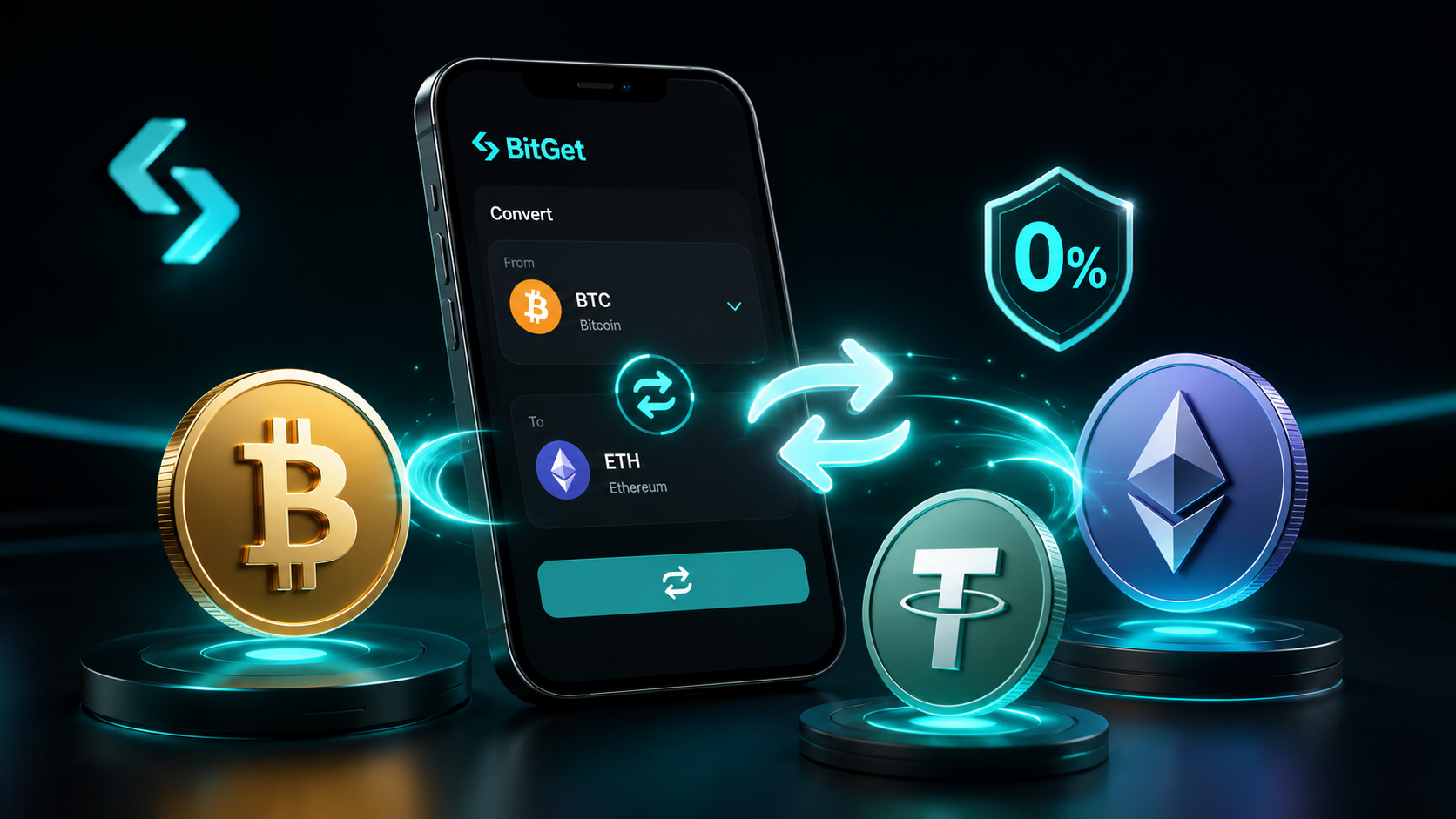
The first time I used BitGet Convert I felt smart. Two clicks, no fee, USDT into BTC, done. Then I checked the rate against the spot order book and realised I’d paid 0.18% in a hidden spread. The fee was zero. The cost was not.
“Zero fee” on any centralised exchange means one thing: the cost moved somewhere else. This is the post that explains where it went, when Convert really is the cheaper option, and when you should switch to the spot order book instead.
Short answer: BitGet Convert (also called Swap or Instant Convert) is a one-click trading feature that lets you exchange any supported token for another at a quoted price with zero explicit fees. The “zero fee” is real, but BitGet builds a spread of typically 0.05–0.30% into the quoted rate. For small trades on liquid pairs, Convert is cheaper than spot. For larger trades or thin pairs, the spot order book usually wins.
Open a BitGet account → (affiliate) and you can compare Convert vs spot pricing in the same session.
Key takeaways
- BitGet Convert has zero explicit trading fees — the cost is built into the spread between the buy and sell quote.
- The spread is typically 0.05–0.10% on BTC, ETH, and major stablecoins; 0.15–0.30% on mid-cap alts.
- For trades under $500 on majors, Convert is often cheaper than spot once you factor maker/taker fees.
- For trades over $5,000 or on illiquid pairs, the spot order book almost always offers a better effective price.
- Convert quotes expire after 6 seconds. Confirm before the quote refreshes or you lose the rate.
What BitGet Convert is
BitGet Convert is a simple swap interface. You pick a “from” token, a “to” token, enter an amount, get a quote, and confirm. The trade fills instantly at the quoted rate. There’s no order book to navigate, no order type to choose, no slippage tolerance to set.
It’s modeled on the same idea as Binance Convert and OKX Convert — a beginner-friendly swap feature that hides the trading interface and gives you a single number to react to.
You’ll find it in the BitGet app under Trade → Convert, or on the web under the Trade dropdown. The interface looks like a Revolut transfer screen. Two boxes, an arrow between them, a confirm button.
Why it exists
Two reasons. First, to lower the barrier for beginners who get overwhelmed by an order book. Second, because the exchange earns the spread regardless of which side you’re on — it’s a profitable product for them and a low-friction product for you.
BitGet’s own Convert documentation lays out the supported pairs and limits. Worth a skim before you use it for the first time.
How “zero fee” actually works (the hidden spread)
Here’s where the marketing copy gets careful.
When you ask Convert for a quote, BitGet checks the current order book for the pair, adds a margin (the spread), and shows you the result. The margin is the exchange’s profit on the trade. You don’t pay an explicit fee — you pay the spread.
Real example
Spot BTC/USDT is currently $66,000 on the order book. The best bid is $65,997, the best ask is $66,003 — a spread of $6, or about 0.009%.
You go to Convert and ask to swap $10,000 USDT for BTC. The quote shows you’ll receive 0.15124 BTC. Translated to dollars: that’s $66,118 per BTC — about $118 more than the spot ask. That’s a spread of 0.18%.
If you’d placed a limit buy at $66,000 on the spot order book and got filled, you’d pay 0.10% maker fee. So $10 in fees + $0 in slippage = $10. Convert charged you $118.
On that example, spot wins by $108.
When Convert wins
Now flip it. You want to swap $50 of an obscure altcoin into USDT. The spot order book for that pair is thin — top bid 1.2% below the mid-price. You’d lose around $0.60 on a $50 trade just from the spread of the book, plus 0.10% in taker fees. Convert quotes you a 0.30% spread, costing $0.15. Convert wins by $0.45.
The pattern: Convert is for small trades. Spot is for large trades. The crossover point shifts depending on pair liquidity.
How BitGet quotes the spread
The spread is dynamic. It widens in fast markets, on thin pairs, and at off-hours. It narrows on BTC/USDT during peak liquidity. According to CoinGecko exchange data, BitGet’s spot BTC/USDT volume averages over $1.2 billion daily — that depth is why Convert quotes on BTC are usually inside 0.10%.
On a mid-cap altcoin with $200k daily volume, expect Convert spreads of 0.25–0.50%. That’s the price of one-click convenience.
Convert vs spot trading — which is cheaper
Quick framework. Run this against any trade before you click.
| Trade size | Pair type | Cheapest tool |
|---|---|---|
| Under $500 | Top 10 (BTC/ETH/SOL/etc.) | Convert |
| Under $500 | Mid-cap altcoin | Convert |
| $500–$5,000 | Top 10 | Limit order on spot |
| $500–$5,000 | Mid-cap | Convert if urgent, limit if you can wait |
| Over $5,000 | Top 10 | Limit order on spot |
| Over $5,000 | Mid-cap | Limit order on spot (in slices) |
| Any size | Stablecoin → stablecoin | Convert (spread is tiny on stables) |
The honest assessment
If you’re trading less than $200 at a time on majors, the fee difference between Convert and spot is rounding error. Use whichever is faster.
If you’re trading $5,000+ at a time, the difference can be $20–$100 per trade. Always use the spot order book at that size.
If you’re swapping stables (USDT to USDC, USDC to FDUSD, etc.), Convert is almost always the answer. Stablecoin spreads on Convert run at 0.01–0.03% — tighter than most spot order books quote.
For the full fee breakdown on spot trading, see the BitGet trading fees post. The fee tiers there determine where Convert vs spot crosses over for your specific volume.
Supported pairs
BitGet Convert supports over 500 token pairs at the time of writing. That includes:
- All majors (BTC, ETH, SOL, XRP, BNB, ADA, AVAX, DOGE, MATIC, LINK)
- Major stablecoins (USDT, USDC, FDUSD, DAI, BGB)
- Most top-100 alts by market cap (cross-checked against CoinMarketCap rankings)
- New listings within a few days of going live on spot
What’s not supported: very new listings (sometimes a 24-48 hour delay before Convert turns on), some illiquid alts, and any token under temporary trading halt.
If a pair isn’t on Convert, you’ll need to use spot. There’s a list of supported pairs inside the Convert interface — filter by the token you want.
Step-by-step: using Convert
Five-step walkthrough.
- Open the Convert panel. On the BitGet app, tap Trade → Convert. On web, click Trade in the top nav, then Convert from the dropdown.
- Pick your “from” token. Tap the first box and select what you’re swapping. The dropdown shows your available balances next to each ticker — easier than typing tickers blind.
- Pick your “to” token. Same process on the second box. The supported pairs list updates dynamically based on what’s available to receive.
- Enter the amount. Type the size you want to swap. The quote refreshes every 6 seconds and shows you exactly what you’ll receive.
- Confirm. Click Confirm Conversion. The trade fills instantly. You’ll see the new balance in your spot account within seconds.
That’s it. No order type, no slippage tolerance, no advanced settings.
Pro tip: lock the quote before you confirm
The 6-second quote refresh can catch you out. Read the rate, decide, click. If you hesitate the price will move and you might confirm a worse rate than you saw. Especially in volatile periods.
Convert limits and minimums
There are limits, and they vary by token.
Minimum: typically $1 equivalent per trade on majors. Some alts have higher minimums (around $5–$10 equivalent).
Maximum: typically $200,000 equivalent per trade on majors, lower on mid-caps. If you need to swap more, do it in slices — each slice gets a fresh quote.
Daily limits: BitGet applies a per-account daily Convert cap that scales with your KYC tier. For verified accounts, that’s usually around $1M equivalent per day.
The actual numbers shift based on your verification level and the specific pair. Always check the quote screen — if it tells you “amount exceeds limit”, switch to spot.
When Convert is the right tool
Six clear use cases.
Small balances of dust
You’ve got 0.3 USDT, 0.001 SOL, and 4 PEPE rattling around your spot wallet. Sweeping that into one token via spot would cost you 0.10% per trade plus a network of small order book friction. Convert handles it in one click, often inside the fee.
Stablecoin rotation
USDT to USDC for a yield play, or USDT to FDUSD because a Launchpool requires it. Convert spreads on stablecoin pairs are typically 0.01–0.03% — tighter than placing two limit orders.
Beginner buys
First-ever crypto purchase. Got $200 in your spot wallet from a card deposit, want to buy ETH. Convert is one click and you’re done. Don’t overthink it.
Off-hours emergencies
It’s 4am UTC, you’re awake for some reason, and you decide you want out of an alt. The spot book might be thin enough that a market order eats 0.5% in slippage. Convert quotes you a 0.25% spread — half the cost.
Rebalancing
End-of-quarter portfolio rebalance. Three small swaps to bring weights back to target. Convert is faster than three spot trades and the cost difference on small adjustments is negligible.
Pre-Launchpool staking
You need BGB or USDT in a specific amount to stake into a BitGet Launchpool round. Convert gets you the exact amount in one go.
When to skip Convert for spot order book
Five scenarios where Convert costs you real money.
Trading more than $5,000 in a single transaction
Spread becomes meaningful at size. A 0.20% spread on $10,000 is $20. A 0.10% maker fee with a properly placed limit order is $10. Skip Convert.
Trading mid-cap alts at any size
Mid-cap alt Convert spreads run 0.25–0.50%. On the spot order book, even with taker fills, you’re usually inside 0.15% all-in. Spot wins.
Trying to enter at a specific price
Convert only quotes you the current spread. If you want to buy ETH on a dip to $3,080, set a limit order on spot. Convert doesn’t let you wait for your price.
Scalping or active trading
Convert isn’t designed for fast in-and-out trades. The 6-second quote refresh and the spread make it expensive at frequency. If you’re doing more than three trades a day on the same pair, use spot.
When you want to know the exact fill price up front
Convert gives you a quote that expires in 6 seconds. The number is firm at the moment you click confirm, but it can shift on the next quote. For larger or planned trades, spot orders give you full control of the limit.
For order-by-order discipline at the spot level, the BitGet order types post covers the full menu.
Want to test Convert yourself?
Open an account, deposit $20, and compare the Convert quote to the spot book on the same pair. Five minutes, eyes opened.
Affiliate link. I may earn a commission at no extra cost to you.
Common mistakes (treating Convert as free)
Six years of watching this:
Using Convert for every trade
The convenience is real. But if you’re doing $2,000 swaps daily, those 0.15% spreads add up to thousands a year. Treat it as a tool, not a default.
Not checking the quote against spot
A 10-second sanity check before clicking confirm. Open the same pair in spot in another tab. Compare the Convert rate to the mid-price. If the difference is bigger than 0.20%, switch to spot.
Confirming after the quote refreshes
The quote box updates every 6 seconds. Click before the refresh. If you confirm after the refresh fires, you’re confirming the new quote — which might be 0.1% worse.
Using Convert on brand-new listings
New listings have wider Convert spreads as the exchange manages risk on volatile prices. First 24 hours after a listing, spreads can be 1%+. Use spot or wait.
Forgetting the spread is per-trade
Three small swaps with 0.20% spread each = 0.60% gone. One big spot trade at 0.10% maker fee = 0.10% gone. Slicing trades up doesn’t reduce Convert cost — it multiplies it.
Assuming “zero fee” means free
It doesn’t. The spread is the fee. Every Convert user is paying — they just don’t see a separate line item. That’s the whole product design.
For more honest takes on what’s actually free vs cheap on the platform, the BitGet review covers the full fee picture.
Convert vs Instant Buy / On-Ramp
A quick distinction. BitGet also has an “Instant Buy” / On-Ramp feature where you can buy crypto with a card. That’s different from Convert.
- Convert swaps two tokens you already own. Funded from your spot balance. Tiny spread.
- On-Ramp lets you pay with Visa/Mastercard to acquire crypto. Funded by your bank. 1–3% card processor fee on top of any spread.
If you don’t have any crypto yet, you’ll need the on-ramp. The full walkthrough is in the how to buy crypto guide. Once you have stables on the exchange, Convert and spot are both available.
For first-token guides, see how to buy Bitcoin, how to buy Ethereum, how to buy Solana, how to buy XRP, how to buy Cardano, how to buy Dogecoin, and how to buy Avalanche.
Security note when using Convert
Convert trades are still on-exchange transactions. They appear in your trade history, they’re taxable, and they require account access. A few habits:
- Enable 2FA on the account. Authenticator app, not SMS.
- Use a strong unique password. Bitwarden, 1Password, whatever you trust.
- Trade from a secure connection. I run NordVPN on every device I trade from — particularly on travel WiFi where session hijacking is a real risk.
- Move long-term holdings off-exchange. Convert is for trading, not storage. The Ledger Nano X is what I use for cold storage. The hot vs cold wallet guide explains why this matters.
Convert in trading workflows
A few patterns I use Convert for in practice:
Stablecoin rotation for yield
USDT to USDC because a particular BitGet Earn flexible product has a better APY this week. Convert handles it in one click for 0.01–0.02% in spread.
Topping up bot collateral
I run a BTC/USDT spot bot that occasionally needs USDT topped up. Convert from BGB or other stables is faster than two spot trades.
Quick exit on small alt positions
A speculative position under $300 going badly. Convert to USDT in one click and move on. Faster than a market sell on a thin book.
For the wider passive-income angle, the passive income crypto post covers Convert’s role in moving funds between Earn products. And if you’re learning to actually trade rather than just swap, the community I’m part of is Trade Travel Chill (affiliate).
Ready to use BitGet?
Convert is one of dozens of features on the platform. Open an account and explore at your own pace.
Affiliate link.
Frequently asked questions
Is BitGet Convert really free?
There’s no explicit trading fee — but a spread is built into the quoted rate. Typically 0.05–0.10% on majors, 0.15–0.30% on mid-cap alts. “Free” means no separate line item; the cost is in the price.
How long does a BitGet Convert quote last?
About 6 seconds. After the quote refreshes, the new price applies. If you confirm before the refresh, you lock in the rate you saw.
What’s the difference between BitGet Convert and Swap?
They’re the same product on BitGet, used interchangeably. The interface is sometimes labelled “Convert” and sometimes “Swap” depending on which screen you’re on.
Is Convert cheaper than spot trading on BitGet?
For small trades on majors, usually yes — once you factor in maker/taker fees. For large trades or thin pairs, the spot order book is almost always cheaper. The crossover is typically around $500–$2,000.
Can I cancel a Convert order?
No. Convert fills instantly. Once you confirm, the trade is done. If you want the ability to cancel or wait for a price, use a limit order on spot instead.
Does Convert have a minimum trade size?
Yes — typically $1 equivalent on majors. Some mid-cap pairs require $5–$10 minimums. Check the quote screen — it shows the minimum for the specific pair.
What’s the maximum Convert trade size?
Around $200,000 per single trade on majors, lower on mid-caps. Daily caps scale with KYC tier. For verified accounts, the daily limit is usually around $1M equivalent.
Is BitGet Convert taxable?
Yes. Every Convert trade is a token-for-token exchange and counts as a taxable event in most jurisdictions. The trade shows up in your standard spot trade history export.
Final word
BitGet Convert is a brilliant tool — for the right job. Swapping dust, rotating stables, quick beginner buys, and emergency exits on thin pairs are all use cases where it earns its keep. Trading $10k of BTC at a time is not one of those use cases.
The rule I follow: if the trade is under $500 and the pair is liquid, Convert. If the trade is over $5,000 or the pair is thin, spot order book with a limit order. The middle ground is judgement.
Just don’t let “zero fee” make you stop thinking about cost. There’s no such thing as a free swap.
Right — over to you.
Related posts
- BitGet Trading Fees: Maker, Taker, VIP Tiers
- BitGet Spot Trading: Complete Guide
- BitGet Order Types: Limit, Market, Stop, Trailing