The first time someone asked me whether I used a hot or cold wallet, I had no idea what they meant. I’d been trading for about four months at that point. My answer was “the one on my phone, I guess?” — which is half right, half wrong, and exactly the kind of answer that gets you drained. Six years later, I run three different wallets at once, and each one has a clear job. Here’s the system, the risks, and the split I actually use.
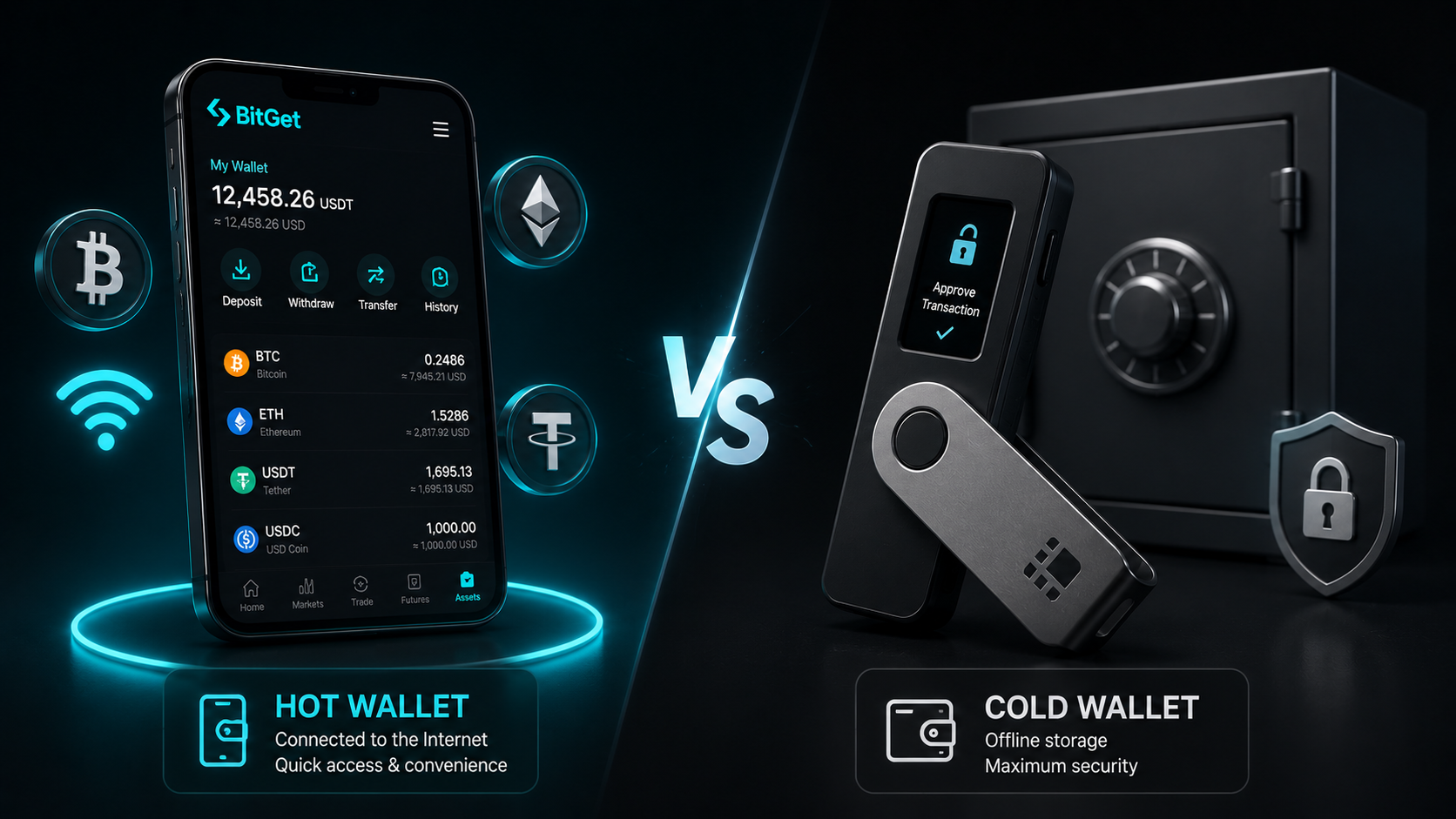
Short answer: A hot wallet is connected to the internet (mobile, browser, exchange). A cold wallet is offline (hardware device, paper, air-gapped computer). Hot wallets are convenient and used for daily activity. Cold wallets are slower to access but far more secure, and they’re where your long-term holdings should live. Most active crypto users run both — small amounts hot for spending and DeFi, the majority cold for savings.
Get a Ledger Nano X → (affiliate)
Key takeaways
- Hot wallets are online — software on your phone, in your browser, or on an exchange. Easy to use, easier to drain.
- Cold wallets are offline — hardware devices like a Ledger, or air-gapped paper backups. Slower to use, much harder to steal from.
- The difference isn’t “good vs bad” — it’s “right tool for the job”. You probably need both.
- Custodial vs non-custodial is the third dimension. An exchange wallet is custodial (the exchange holds your keys). A MetaMask or Ledger wallet is non-custodial (you hold your keys).
- The right split depends on how much crypto you hold and how often you use it. The rough rule: never hold more in a hot wallet than you’d be willing to lose.
What a hot wallet is
A hot wallet is any crypto wallet that’s connected to the internet. That means the private keys — the secret values that prove ownership of your crypto — are stored on a device that talks to the outside world.
Three main flavours:
Mobile and browser wallets. Apps like MetaMask, Trust Wallet, Phantom, or the BitGet Wallet (formerly BitKeep). The keys live on your phone or in your browser, encrypted with a password and protected by your device’s security. You control the keys, but the device they live on is online.
Exchange wallets. When you have crypto sitting on BitGet, Coinbase, Binance, or Kraken, you’re using the exchange’s wallet. The exchange holds the keys for you. From your perspective it feels like a wallet — there’s a balance, you can send and receive — but you’re trusting the exchange to hold up its end.
Web3 wallets. Slightly fuzzy category. Sometimes used interchangeably with browser wallets like MetaMask. Sometimes used to mean wallets that connect directly to decentralised apps (dApps), DeFi protocols, NFT marketplaces. Either way, online.
The defining feature of all hot wallets: convenience. You can sign a transaction in seconds. You can connect to a dApp with two clicks. You can pay for something at a coffee shop with your phone. The convenience comes at a cost. Anything online is, by definition, reachable by attackers.
What a cold wallet is
A cold wallet is any crypto wallet that’s not connected to the internet. The private keys live on a device or medium that does not talk to the outside world, so an attacker on the internet — no matter how skilled — cannot directly reach them.
Three main flavours:
Hardware wallets. Devices like the Ledger Nano X, Ledger Nano S Plus, Trezor Model T, or BitBox. Small purpose-built bits of hardware that store keys on a secure chip and only ever produce signed transactions, never the keys themselves. The most popular form of cold storage by a wide margin.
Paper wallets. A printout or handwritten copy of a private key (or seed phrase) and the matching public address. Properly offline. Also properly fragile — paper burns, fades, and gets thrown out by mistake. Less common now that hardware wallets are cheap.
Air-gapped setups. A computer that has never connected to the internet, used purely to sign transactions, with the signed transactions transferred via USB or QR code to an online machine for broadcast. Used by power users and institutions. Overkill for retail.
The defining feature: friction. Sending crypto from a cold wallet requires physical interaction with the device or medium. That’s the point. Friction is what stops a malware-infected laptop or a phishing email from emptying your wallet while you sleep.
For the deeper dive on hardware specifically, the Ledger Nano X review covers the device I actually use.
The risk profile of each
The hot-vs-cold debate isn’t theoretical. Every attack pattern that has drained retail crypto users in the last five years falls into one of these buckets.
Hot wallet risks (with real examples)
- Malware on the device. Clipboard hijackers replace a copied wallet address with the attacker’s address. You paste, you send, you lose. This has hit thousands of users across MetaMask, Trust Wallet, and Phantom.
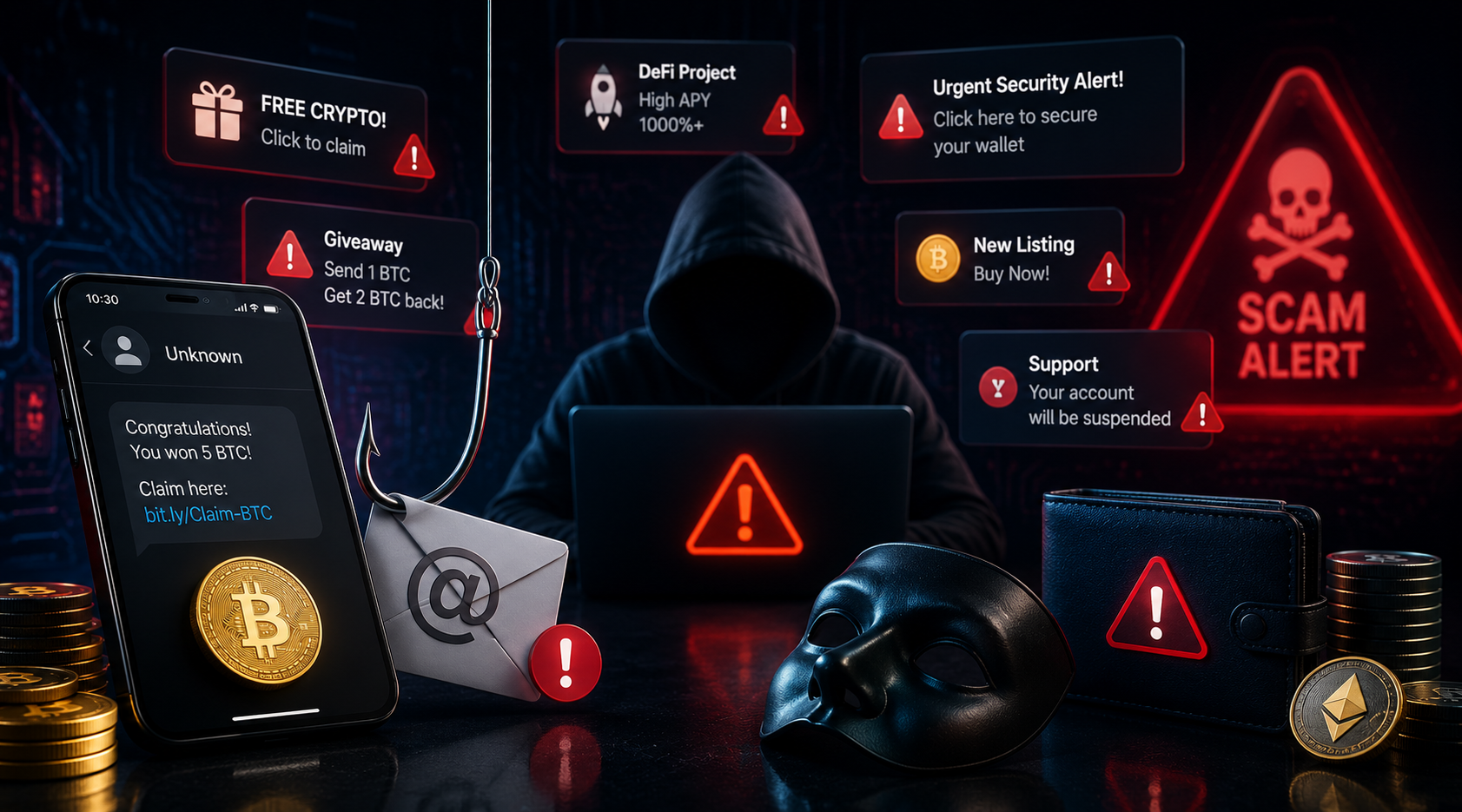
- Phishing dApps and websites. A fake version of Uniswap or OpenSea sits at a typo URL or in a Google ad. You connect your wallet, sign what looks like a normal transaction, and a malicious smart contract drains your tokens. Documented losses in the hundreds of millions across 2022–2024.
- Exchange hacks. Mt. Gox (2014), Bitfinex (2016), Coincheck (2018), KuCoin (2020), and the long list of smaller ones. When the exchange’s hot wallet gets breached, customer funds go with it.
- Exchange insolvency. Not a hack but the same outcome. FTX, Celsius, BlockFi, Voyager — customer funds were stuck on an exchange when the exchange went under.
- SIM swap attacks. An attacker convinces your phone carrier to port your number, then resets your exchange password and 2FA via SMS. Drained accounts. Has happened to hundreds of crypto users including high-profile names.
- Browser extension compromises. Malicious or compromised extensions can read or modify what’s on your screen, including transaction details inside MetaMask.
Hot wallets are not “unsafe”. They’re safe enough for daily, small-amount use if you’re careful. But they sit at the end of a long chain of possible failures — the device, the OS, the browser, the extensions, the dApps you connect to, and your own attention.
Cold wallet risks
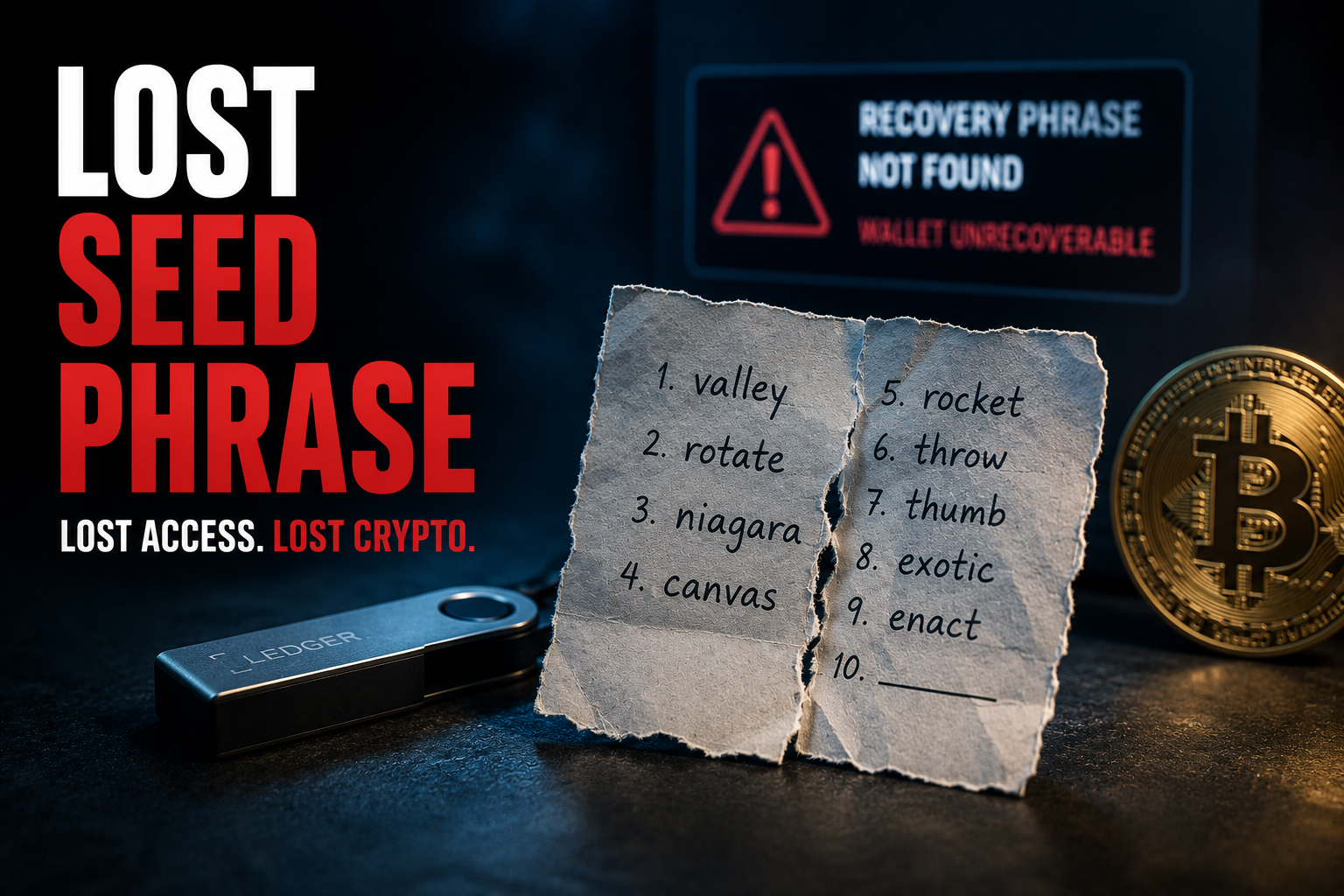
- Loss of the device without a seed backup. If you lose your Ledger and you never wrote down the seed phrase, your crypto is gone forever. Nobody can recover it.
- Compromised seed phrase storage. If your seed is digital (cloud, photo, password manager) and someone gets it, they get the crypto. The hardware doesn’t matter at that point.
- Tampered devices. Buying second-hand or from an unofficial reseller. The device may come pre-configured with a seed the attacker already knows.
- Physical coercion. Sometimes called a “$5 wrench attack”. If someone with bad intent knows you have a hardware wallet and finds you in person, the device doesn’t protect you. This is rare for most people but worth being aware of if your holdings are large.
- User error in signing. Even with a Ledger, if you blindly approve a transaction without reading what’s on the device screen, a malicious dApp can still trick you into signing the wrong thing.
Notice the pattern: almost every cold wallet risk traces back to user behaviour, not the hardware. Hardware wallets fail when the human operating them fails to follow basic rules. The hardware itself, used properly, has the strongest track record of any storage method in crypto.
For the broader playbook on avoiding the human-error side, the how to store crypto safely guide goes section by section.
Custodial vs non-custodial — the third dimension
Hot vs cold is the most useful split, but it’s not the only one. The other axis is custodial vs non-custodial — who actually holds the private keys.
Custodial wallets mean someone else holds the keys for you. Every centralised exchange wallet is custodial. You have a username and password, you log in, you see a balance, but the keys are controlled by the exchange. Pros: easy to recover if you lose access, easy to use, no responsibility for key management. Cons: you have to trust the exchange not to go insolvent, get hacked, or freeze your account.
Non-custodial wallets mean you hold the keys. MetaMask, Trust Wallet, the BitGet Web3 Wallet, every Ledger, every Trezor. Pros: nobody can freeze you, nobody can go bankrupt with your money, you’re the actual owner. Cons: if you lose the keys or the seed phrase, the crypto is gone — there is no “reset password” link.
Most exchange wallets are custodial AND hot. That’s two layers of risk: the exchange could fail, and the exchange’s hot infrastructure could be hacked.
Most hardware wallets are non-custodial AND cold. That’s two layers of protection: nobody can take your keys, and the keys aren’t online to be attacked.
Software wallets like MetaMask are non-custodial AND hot. You own the keys, but they’re on an online device. That’s why people use them for small, active amounts but not for long-term storage.
Once you internalise these two axes — online vs offline, you-hold-it vs they-hold-it — the wallet ecosystem stops feeling confusing.
Which one you actually need
The honest answer: it depends on how much you have and how you use it.
If you hold less than $500 of crypto
A hot wallet on a reputable exchange or a software wallet like MetaMask is fine. The cost-benefit of buying a $149 hardware wallet doesn’t tilt yet. Focus on basic hygiene: a unique strong password, app-based 2FA (not SMS), no clicking weird links, no sharing screenshots of QR codes.
If you hold $500–$5,000
This is the threshold zone. If your crypto is a serious chunk of your savings, the $149 cost of a Ledger Nano X (or $79 for a Nano S Plus) starts looking very cheap. If it’s “money I can afford to lose” play money, you can wait. My honest recommendation: get the hardware wallet anyway. The habits you build at $1,000 are the habits that save you at $50,000.
If you hold more than $5,000
You need a cold wallet. Full stop. The risk-adjusted maths is not close. Hardware wallets at this level are not optional, they’re table stakes.
If you actively trade
You also need a hot wallet — specifically, an exchange account. Active trading is impossible from a hardware wallet because the friction is wrong for the use case. Run both: trading float on the exchange, long-term bag on cold storage. Sweep profits from the exchange to the Ledger every few weeks.
If you do DeFi or NFTs
You need a hot software wallet (MetaMask, BitGet Wallet, Phantom for Solana). You can also connect your Ledger to MetaMask for added security on big transactions. The setup most experienced DeFi users run: a small hot wallet for daily activity, a Ledger-protected wallet for valuable positions.
My actual split
This is the question I get asked the most, so here’s the real answer with rough percentages.
Exchange (BitGet) — ~15%. This is my trading float. The amount I’m actively working with. Spot positions, futures positions (small), bot allocations. Sized to what I could lose in a tail-risk event without losing sleep. The BitGet review has more on why I picked them.
Hot software wallet (MetaMask + BitGet Wallet) — ~5%. This is for DeFi, occasional NFT activity, gas for transactions, small experiments. Anything that needs to connect to a dApp. I treat the balance in here as semi-disposable.
Cold wallet (Ledger Nano X) — ~80%. The long-term holdings. BTC, ETH, the few other tokens I have real conviction in. This wallet rarely moves except to top up on dips or send to the exchange when I’m rebalancing.
That split has shifted up and down over the years — during the 2022 bear market I was 90% cold because I wasn’t trading much, and during the 2024 bull run I was closer to 25% on the exchange because I was actively rotating. But the principle holds: the majority is always cold, and cold means hardware.
The one rule I won’t break: I never hold long-term storage on an exchange. Not BitGet, not Binance, not anywhere. Even with Proof of Reserves and decent security records, exchanges fail. The history is unambiguous.
Hot wallet recommendations
If you’re picking a hot wallet, these are the ones I’d actually use.
Browser and mobile
MetaMask — the default for Ethereum and EVM chains. Boring, widely supported, regularly updated. The first wallet most DeFi users learn.
BitGet Wallet — formerly BitKeep. Multi-chain, supports most major networks, integrates with the BitGet exchange. Useful if you’re already in the BitGet ecosystem.
Trust Wallet — solid mobile-first option, multi-chain, owned by Binance. The interface is friendly for new users.
Phantom — the standard for Solana. Also supports Ethereum and Polygon now. Clean interface, good NFT support.
Exchange wallets
Use whatever exchange you trade on. BitGet is mine. Treat the balance as trading float, not storage.
For all of these: download from the official website only. Not from a Google search ad, not from a third-party app store, not from a link in a Telegram group. Phishing replicas of these wallets are the single most common scam in retail crypto.
Cold wallet recommendations
The shortlist is short because there’s no point pretending there are 20 good options.
Ledger Nano X — the one I use. $149, Bluetooth, 5,500+ coins supported, broad ecosystem support. Full breakdown in the Ledger Nano X review.
Ledger Nano S Plus — same security as the Nano X without Bluetooth. $79. Best value pick if you mostly use desktop.
Trezor Model T — the main competitor. Fully open-source firmware, touchscreen, $179. Solid choice if open-source ideology matters to you.
Trezor Safe 3 — newer Trezor with a Secure Element chip (the older Trezors didn’t have one). Around $79. Good budget option.
I’d recommend the Ledger Nano X or Nano S Plus for most retail users because the ecosystem is bigger and the mobile workflow is smoother. If you’ve researched and prefer Trezor, they’re a legitimate choice too.
Whatever you pick, buy direct from the manufacturer’s website. Never from Amazon Marketplace, never from eBay, never from a “deal” site. Tampered devices are a real risk.
Common mistakes
The same mistakes show up over and over. Five years on, the patterns haven’t changed.
Storing the seed phrase digitally
If your seed phrase is in a photo, a cloud note, an email, a password manager, or a text file — you have effectively no security advantage from a hardware wallet. The hardware protects against remote attacks on the device. It does nothing if the seed itself is sitting in a Dropbox folder waiting to be syphoned. Write it down. On paper. Better yet, stamp it into metal. Store it offline and never digitise it.
Using the same wallet for trading and long-term storage
If you connect your main wallet to every random dApp, sign hundreds of approvals, and use it for daily activity, you’re maximising the attack surface on the wallet you can least afford to lose. Run a separate wallet for active use and keep your long-term holdings in a wallet that almost never connects to anything.
Storing more on an exchange than you can afford to lose
Exchanges are convenient. They are not banks. The history of crypto is the history of exchanges that one day were fine and one week later were not. If you have more than your trading float on any single exchange, you’re taking a risk you don’t need to take. The BitGet review has my full take on how I size exchange exposure.
Trusting “support” who DMs you
Real wallet companies, exchanges, and protocols do not DM you. They do not call you. They do not email you out of the blue asking you to verify your seed phrase, confirm your recovery code, or update your wallet through a link. If you get a message like this, it’s a scam — every single time, no exceptions.
Skipping the test transaction
Before sending anything serious to a new wallet, send a small amount first. Confirm it lands. Then send the rest. This habit catches address typos, wrong-network mistakes, and copy-paste errors. It takes 10 minutes. It has saved more crypto than every hardware wallet combined.
Reusing exchange passwords elsewhere
If your BitGet password is the same as your Netflix password and your Netflix password leaks (which Netflix passwords do, regularly), an attacker now has half of what they need to break into your exchange. Use a password manager. Use unique passwords for every crypto site. Use app-based 2FA, not SMS.
When to switch from hot to cold
There’s no single threshold, but there are clear signals.
The “couldn’t sleep” signal. If you’re checking your exchange balance more than once a day because you’re worried about it being there in the morning, that’s the signal to move some of it cold. Peace of mind has value.
The “more than a holiday” signal. Roughly: if the crypto you hold is more than you’d be comfortable spending on a long holiday or a single big purchase, it’s earning enough size to justify hardware storage.
The “I’ve been here a while” signal. If you’ve been in crypto for more than 6–12 months, the case for self-custody only strengthens. The longer you stay, the more likely you are to live through an exchange event. Cold storage is the insurance against that.
The “this is my plan” signal. If you’re holding for the long term — measured in years, not months — your strategy and your storage should match. Long-term holdings should not live on an exchange.
The honest truth: most retail crypto users wait too long to move to cold storage. They do it after their first scare, when they should have done it before. If you’re reading this and you’ve been thinking about it for weeks, this is the nudge.
Ready to move some of it cold?
The Ledger Nano X is what I use. About $149 direct from Ledger. Set-up takes 20 minutes.
Affiliate link. I may earn a commission at no extra cost to you.
Frequently asked questions
Is a hot wallet safe?
For small amounts and active use, yes. For long-term storage of significant holdings, no. A hot wallet’s keys are on an online device, which means they’re reachable by any attacker who gets access to that device — through malware, phishing, or a compromised browser extension.
Can a cold wallet be hacked?
The hardware itself has not been broken. Every documented “Ledger hack” or “Trezor hack” comes down to a stolen seed phrase, a tampered device bought second-hand, or a user approving a malicious transaction. The chips are secure. The humans operating them sometimes aren’t.
Is an exchange wallet a hot wallet?
Yes. Exchange wallets are both hot (online) and custodial (the exchange holds the keys). That’s two risk layers — the exchange’s security and the exchange’s solvency. Treat them as trading venues, not storage.
Do I need both a hot and cold wallet?
If you do anything active in crypto — trade, use DeFi, hold NFTs — yes. Hot for activity, cold for storage. If you only buy and hold a single token long-term, a cold wallet alone is enough.
What’s the cheapest reliable cold wallet?
The Ledger Nano S Plus at around $79, or the Trezor Safe 3 at a similar price. Both use Secure Element chips. Both work. Either is enough to protect a portfolio worth thousands or tens of thousands of dollars.
Is MetaMask a hot or cold wallet?
Hot. MetaMask is a software wallet that runs in your browser or on your phone. The keys live on that device. You can pair it with a Ledger for hardware-secured signing on big transactions, but the MetaMask software itself is hot.
How much should I keep in a hot wallet?
The rule I use: never more than you’d be willing to lose to a worst-case event (malware, phishing, exchange failure). For most users that’s a small percentage of total holdings. For active traders it’s a larger percentage but still bounded by the same rule.
Final word
Hot vs cold isn’t a debate to win. It’s a system to set up once and live with for as long as you’re in crypto.
The system, in one sentence: small amounts hot for activity, big amounts cold for storage, never more on any single platform than you’d be willing to lose.
If I were starting again today, this is the order I’d do things in:
- Open a BitGet account. Make your first buy.
- Set up a hot software wallet (MetaMask or BitGet Wallet) for any DeFi or NFT activity.
- Once your holdings cross the $1,000 mark, buy a Ledger Nano X or Nano S Plus. Set it up properly. Test the seed recovery.
- Move the bulk of your holdings to the Ledger.
- Re-balance every few weeks. Sweep profits cold. Keep only what you’re actively trading hot.
That’s the playbook. It’s not complicated. It just needs to be done before the day you wish you’d done it.
Right — over to you.
Related posts
- Ledger Nano X Review: The Wallet I Actually Use
- How to Store Crypto Safely: The Self-Custody Guide
- BitGet Review: The Crypto Exchange I Actually Use