Most people’s first crypto trade is a market buy of Bitcoin after a 20% pump, executed at 11pm on a Sunday with a coffee going cold next to them. They wake up Monday red and think the exchange ripped them off. The exchange didn’t. They placed the wrong order at the wrong time, on a product they hadn’t bothered to learn.
This is the post I wish I’d read before my first spot trade. I’m going to walk you through how BitGet spot actually works — fees, order types, the BGB discount, the first ten trades you’ll place, and the mistakes that cost me money so they don’t cost you yours. Some links here are affiliate. I’ll flag them.
Short answer: BitGet spot trading is buying and selling crypto for immediate ownership — no leverage, no liquidation, no funding rate. Maker and taker fees both start at 0.10%, with a 20% discount if you hold BGB and pay fees with it. BitGet supports 800+ spot pairs with market, limit, stop-limit, OCO, and trailing-stop orders. Spot is where every retail trader should start.
Open a BitGet account → (referral link)
Key takeaways
- Spot trading = real ownership. You own the coin. No liquidation. No funding cost.
- BitGet spot fees: 0.10% maker, 0.10% taker on the regular tier. 20% off if you pay with BGB.
- Five order types: market, limit, stop-limit, OCO, trailing stop. You only need two for your first 50 trades.
- Spot grid bots can run the same pair you trade manually. They eat sideways chop, lose money in strong trends.
- Most new traders blow up on futures because they skipped six months of spot. Don’t be that person.
What spot trading actually means (and how it differs from futures)
Spot trading is simple. You pay money, you get a coin. The coin is yours. You can hold it, send it, withdraw it to a wallet, or sell it back for cash. No expiry date. No counterparty owes you anything. No third party can liquidate you. The only way you lose is if the price drops and you sell at a loss — same as any asset you’d buy in normal life.
Futures trading is different. You’re not buying the coin. You’re entering a contract that pays you (or charges you) the difference between the entry price and the exit price. You can take a position bigger than your cash balance because the exchange lends you the rest — that’s leverage. If the price moves against you too far, the exchange closes your position and keeps your collateral. That’s a liquidation.
Why this matters for beginners
On spot, the worst that happens in a single trade is the coin goes to zero and you lose what you put in. On futures with 100x, the worst that happens is a 1% move against you wipes your position out in 60 seconds.
Spot is also taxed differently in most jurisdictions, settles instantly, and lets you actually own the asset — which means you can send it to a hardware wallet and never need the exchange again. Futures positions live and die on the exchange.
I started on spot. I lost money on spot. Then I made money on spot. Only after about a year of that did I touch futures. Most people who skip that step end up funding the people who didn’t.
If you want the futures side of this, the BitGet futures USDT-M guide covers it properly. Read this post first.
BitGet spot trading fees (with table)
Fees are the part that compounds the most over a year of trading. A 0.05% difference between two exchanges adds up fast if you place even five trades a week.
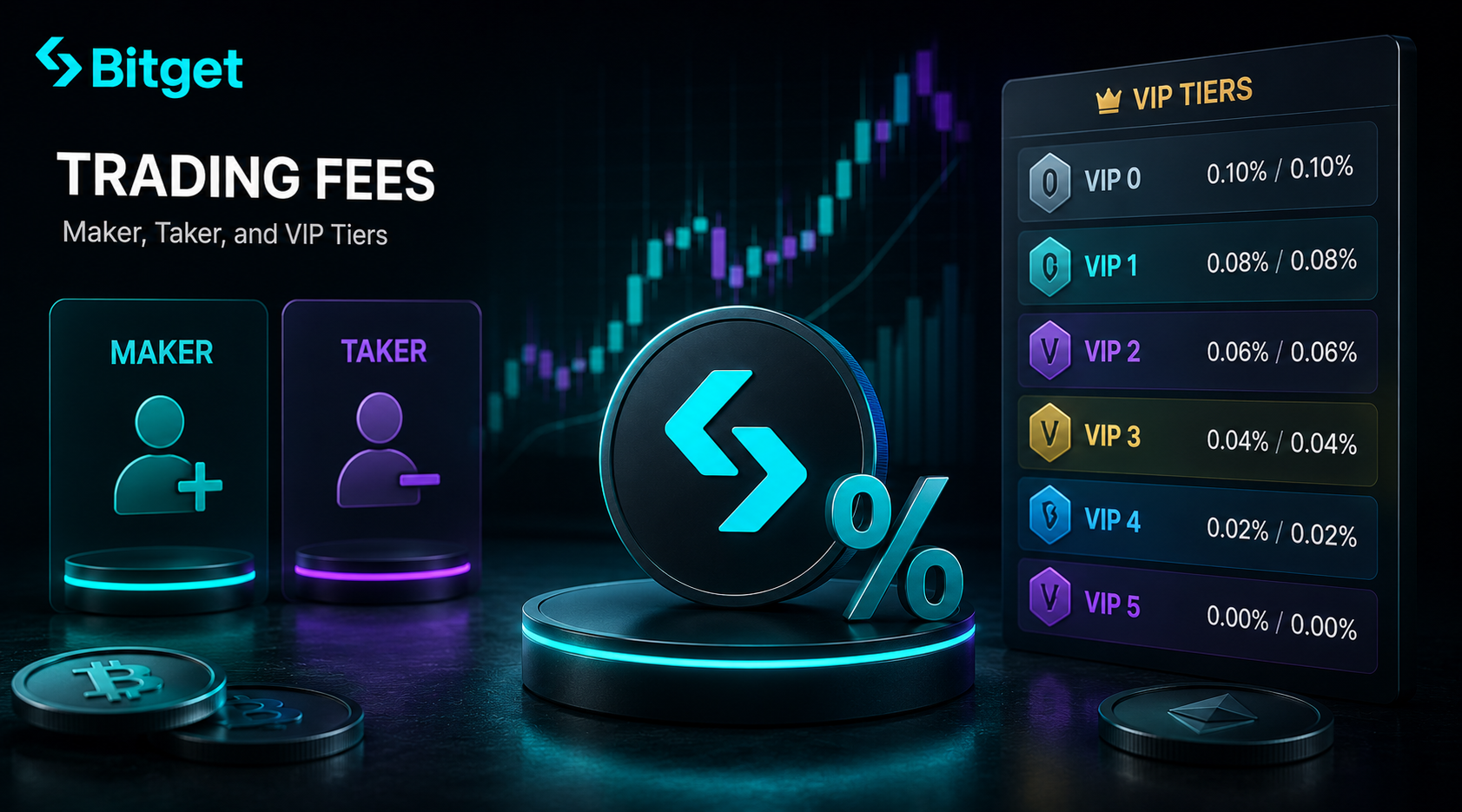
Spot maker and taker fees
| Tier | 30-day volume (BTC equivalent) | Maker | Taker |
|---|---|---|---|
| Regular | < 50 BTC | 0.10% | 0.10% |
| VIP 1 | 50 BTC | 0.08% | 0.10% |
| VIP 2 | 200 BTC | 0.07% | 0.09% |
| VIP 3 | 1,000 BTC | 0.06% | 0.08% |
| VIP 4 | 2,000 BTC | 0.05% | 0.07% |
| VIP 5 | 4,000 BTC | 0.04% | 0.06% |
Most retail traders sit on the regular tier their entire trading life. You only hit VIP 1 by trading $3-4M+ in spot volume over a rolling 30-day window. That’s about 30 trades a day at $100k each. Not a normal retail profile.
Maker vs taker — what it actually means
A maker order adds liquidity to the order book. You set a limit price, the order sits there waiting, and somebody else trades against it. You pay the maker fee.
A taker order removes liquidity. You hit an existing price on the book — usually with a market order — and the trade fills instantly. You pay the taker fee.
If your fees matter to you, lean on limit orders rather than market orders. You’ll pay maker fees and sometimes get a better fill price too.
Withdrawal fees (not trading fees, but they sneak up)
Withdrawal fees vary by token and network. Quick reference for the ones I use most:
| Asset | Network | Withdrawal fee |
|---|---|---|
| BTC | Bitcoin | ~0.0001 BTC |
| USDT | TRC-20 | 1 USDT |
| USDT | ERC-20 | 6-10 USDT (depends on gas) |
| ETH | Ethereum | ~0.0014 ETH |
| SOL | Solana | ~0.001 SOL |
Always pick the cheapest network the receiving wallet supports. Sending USDT on ERC-20 when TRC-20 is available is a self-inflicted wound.
How the BGB fee discount works
BGB is BitGet’s native exchange token. It does several things, but the one that matters to a spot trader is the fee discount.
If you hold BGB in your spot account and toggle on “Use BGB to pay fees” in your account settings, you get a 20% discount on every trading fee. That takes the regular 0.10% spot fee down to 0.08%. On futures, the 0.06% taker fee drops to 0.048%.
How much BGB do you need?
You don’t need a big stack. You only need enough BGB sitting in your spot account to cover the fees on the volume you’re about to trade. If you trade $5,000 a day, you’re spending around $5 a day in fees. Two or three BGB tokens cover a month at a time.
Is it worth holding BGB?
For the fee discount alone — yes. Small allocation, set the toggle, forget about it.
For investment? That’s a different question. BGB pumps and dumps with BitGet news. It’s a good utility token. It is not a passive asset to hold and hope. I keep enough to cover fees and ignore the price.
Other BGB perks I actually use
- Launchpool access. Stake BGB to earn newly listed tokens.
- VIP qualification shortcut. Holding a chunk of BGB gets you part way to VIP 1 without trading volume.
- Bot Copy Trading subscriptions. Some published bots charge in BGB.
The fee discount alone is the reason to hold a small balance. Everything else is a bonus.
Order types on BitGet spot (market, limit, stop-limit, OCO, trailing)
There are five order types on BitGet spot. You only need to know two cold. The other three are useful in specific situations.
Market order
You click buy. The order fills immediately at whatever the order book is offering. Fast, simple, sometimes expensive in slippage if you’re trading a low-liquidity pair. Use for: small trades on high-liquidity pairs like BTC/USDT, ETH/USDT, where slippage is meaningless.
Limit order
You set the price you’re willing to pay. The order sits on the book. If price reaches your level, you fill. If it doesn’t, the order stays open until you cancel it. Use for: every trade where you’re not in a screaming hurry. Costs less in fees (maker rebate) and lets you set the price you actually want.
This is the order type I use 90% of the time on spot. The discipline of writing a price down before clicking buy stops me from chasing pumps.
Stop-limit order
A two-part order. The stop is the trigger price. The limit is the price you actually want to fill at once the stop triggers. Use for: setting a stop loss on an open position, or buying a breakout above resistance.
Example: I own BTC at $60,000. I want to sell if it drops to $58,000 but I don’t want to sell below $57,800. Stop: $58,000. Limit: $57,800. If price drops through $58,000, a limit order to sell at $57,800 goes onto the book.
The catch: if the price gaps through your limit price (drops faster than your limit can fill), the order doesn’t fill and you stay in the position. For most retail spot, that gap risk is small.
OCO (One-Cancels-Other)
Two orders attached together. You set a take-profit price and a stop-loss price at the same time. Whichever one triggers first, the other cancels.
This is the order to learn after limit. It lets you walk away from the trade with both sides covered. I use OCO for any swing trade longer than a day — set the levels at entry, get on with my life, the exchange handles the exit.
Trailing stop
A stop loss that moves with the price. You set a callback rate — say 3%. If the price drops 3% from its highest point since you opened the trade, the stop triggers.
Use for: trending trades where you don’t know the target but want to ride as long as the move continues. The trailing stop locks in profit as the price climbs, and exits you when the trend breaks.
I find trailing stops hard to set right on choppy assets. A 3% callback on a stable BTC trend is fine. The same 3% on a low-cap altcoin gets you stopped out every few hours.
The order types you don’t need yet
Iceberg orders, TWAP, time-in-force variants. They exist on BitGet spot. They are not for your first hundred trades. Stick to limit and OCO until those are second nature.
How to place your first spot trade (step-by-step)
Assume you’ve signed up, completed KYC, and deposited some USDT. If you haven’t, follow the how to buy crypto guide first.
- Open the spot trading page. On the BitGet web app, click “Spot” in the top menu. Pick a pair from the left-hand list — let’s say BTC/USDT.
- Look at the chart, not the order book. The chart on the right shows the recent price action. The order book on the right of that shows current buy and sell orders. Beginners stare at the order book and miss the bigger picture.
- Decide your size and your price. How much USDT are you spending? What’s the price you want to buy at? Write both down before you click anything.
- Choose order type. Pick “Limit”. Type your buy price into the price field. Type your USDT amount into the amount field. The interface auto-calculates how much BTC you’ll receive.
- Click Buy BTC. The order goes onto the book. If price reaches your level, you fill.
- Check Open Orders. The bottom of the screen shows your active orders. If the trade fills, it moves to Order History. You now own the BTC.
- Set an OCO exit if the trade is a swing. Click “OCO” in the order panel. Set a take-profit price above your entry. Set a stop-loss price below your entry. Confirm.
- Walk away. That’s it.
The first three trades will feel slow. The fourth one will feel routine. By trade ten you’re not thinking about the interface, you’re thinking about the trade.
Spot vs futures: which to start with
Spot. Always spot. For at least six months. Probably twelve.
The case for starting on spot
- You can’t lose more than you put in.
- No liquidation, no funding cost, no margin requirement.
- Order types are simpler.
- The asset is yours — you can withdraw to a wallet at any time.
- The tax treatment is cleaner in most jurisdictions.
What futures looks like to a beginner
The futures interface looks identical to spot at first glance. Same chart, same order book, same buy/sell buttons. The differences are buried in toggles: leverage, margin mode, contract type, position direction. Every one of those toggles has a default setting that someone, somewhere, decided. Those defaults are not chosen for you.
A beginner places a “buy” on futures, thinks they bought the coin, and finds out a day later that what they actually did was open a leveraged long that’s now down 40% on a 0.4% price move.
When to graduate to futures
When you can answer all of these without checking:
- What’s the difference between cross and isolated margin?
- What does funding rate cost me at 0.05% every 8 hours on a 10x position?
- What price moves me to liquidation at 10x with a 5% buffer?
- What’s the difference between a USDT-M and Coin-M contract?
If you can’t answer all four, you’re not ready. Read the BitGet futures USDT-M guide when you think you might be.
Best altcoins for spot trading on BitGet
I’m not going to give you a list of “best altcoins” because that’s the most dangerous question a beginner can ask. What I will give you is how I think about which pairs are worth trading on spot.
Tier one: the deepest liquidity
- BTC/USDT — the baseline. Tightest spread, lowest slippage, best fills.
- ETH/USDT — second deepest. Slightly more volatile than BTC.
- SOL/USDT — high volume, more volatile, good for shorter-timeframe trades.
These three are where 80% of my spot trading happens. The fees are the same, but the spreads are tighter and the order fills are cleaner.
Tier two: liquid majors
- XRP, ADA, AVAX, LINK, DOGE — all deep enough that a normal retail trade won’t move the price.
- Good for diversifying spot positions when you’re holding a portfolio rather than scalping.
Tier three: mid-caps and new listings
- New BitGet listings, mid-cap alts, recent IDOs.
- Wider spreads, higher volatility, more pumps and dumps.
- Useful for short-term trades if you know what you’re doing. Painful if you don’t.
The trap to avoid
The new listings page is dangerous. Every new token launch comes with a chart that’s pumped 200% in a day. You read the announcement, you see the chart, you buy at the top, you watch it dump 60% by Friday. The traders who make money on new listings are usually market makers and insiders. The retail buyer is the exit liquidity.
If you want to trade new listings, allocate a tiny fraction of your float to them and treat the position as a write-off until proven otherwise.
The how to buy bitcoin post and the broader how to buy crypto walkthrough both cover this in more detail.
Want the platform I use for spot?
BitGet has the cleanest spot interface of the exchanges I’ve tested. Signup is fast, KYC clears same-day, fees are competitive.
Affiliate link. I may earn a commission at no extra cost to you.
Spot grid bots vs manual trading
You’ll see grid bots advertised on the BitGet homepage. Here’s what they actually do and when they make sense alongside your spot trading.
What a grid bot does
A spot grid bot places a series of buy and sell orders across a price range you define. As price moves up, it sells. As price moves down, it buys. It rebalances automatically and keeps the cycle running.
In a sideways market, the bot accumulates small profits on every grid cycle. In a strong trend (up or down), the bot underperforms a simple buy-and-hold position. In a sustained downtrend, it can keep buying as price falls and end up overweight a losing position.
Grid bots vs manual trading — which when?
| Situation | Better choice |
|---|---|
| You want to actively trade and learn the market | Manual |
| You don’t have time to watch the chart | Grid bot |
| You expect the pair to range for weeks | Grid bot |
| You expect a strong directional move | Manual (or no position) |
| You want passive income on a sideways asset | Grid bot |
The BitGet spot grid bot post covers the full setup — picking a range, choosing grid count, sizing the position. I run one on BTC/USDT with a portion of my float. The bot doesn’t make me rich. It does earn while I sleep.
If you want a deeper look at all the bots BitGet offers, the crypto trading bots guide is the parent post.
Top mistakes new spot traders make
These are the patterns I see over and over. Every one of these cost me money before I learned to stop doing them.
Mistake one: market buying after a green candle
Price pumps 5%. You feel the FOMO. You market buy. Price drops 3% by tomorrow. You’re already down 8% before you understand what happened.
Fix: use limit orders. Set a price below the current market and wait. If it doesn’t come back, you missed the trade. That’s fine. There’s another trade tomorrow.
Mistake two: trading without a stop loss
You buy. Price drops. You tell yourself it’ll come back. It drops more. You tell yourself you’ll sell when it gets back to your entry. It drops more. Six months later you’re holding a bag with no plan.
Fix: set an OCO immediately after every entry. Stop loss below a clear technical level. Take profit at a clear technical level. Walk away.
Mistake three: oversizing positions
You read about a coin. You’re convinced. You put 40% of your portfolio in it. It drops 50%. You’ve now lost 20% of everything in one trade.
Fix: no single spot position is more than 5-10% of your portfolio. For new altcoins, max 2%.
Mistake four: trading every day
You think more trades = more profit. Every entry costs you fees and slippage. Most days, the right trade is no trade.
Fix: define what setup you trade. Wait for it. If it doesn’t appear, you sit out the day. The traders who make money long term place fewer trades than they want to.
Mistake five: ignoring withdrawal
You leave everything on the exchange because it’s convenient. The exchange has a problem one day. You can’t withdraw. You watch your balance freeze.
Fix: keep your trading float on the exchange, your long-term bag on a Ledger Nano X. The how to store crypto safely guide walks through this.
Mistake six: thinking spot is a path to futures
Spot teaches you direction, levels, and patience. It does not teach you the maths of leverage, margin, or funding. People who use spot as a warm-up for futures often skip the rest of the curriculum. There’s no curriculum. You learn futures by losing money on futures, and you survive only if you treat that tuition cost seriously.
Mistake seven: trading on the phone
The mobile app is fine. It’s also small, finger-fat-prone, and easy to misclick. The number of stories I’ve heard about someone hitting “max” instead of “10%” on a mobile order is unreal. Place serious trades on a screen big enough that the order panel takes up half of it.
Ready to place your first spot trade?
Sign up with my referral link, get a small fee discount, and the first few trades cost you barely anything.
Affiliate link.
Frequently asked questions
What is spot trading on BitGet?
Spot trading on BitGet is buying and selling cryptocurrencies for immediate delivery. You pay for the asset, you own the asset, and you can withdraw it or hold it on the platform. There’s no leverage, no liquidation, and no funding rate.
What are BitGet spot trading fees?
BitGet spot fees start at 0.10% maker and 0.10% taker on the regular tier. Hold BGB and pay fees with it for a 20% discount, which drops both to 0.08%. VIP tiers reduce fees further based on 30-day trading volume.
How do I place a spot order on BitGet?
Pick a trading pair, choose your order type (market, limit, stop-limit, OCO, or trailing stop), enter the price and amount, and click Buy or Sell. Limit orders are best for retail traders because they let you set the price and pay maker fees.
Spot vs futures on BitGet — which is better for beginners?
Spot. Always spot. There’s no leverage, no liquidation, and no funding cost. You own the asset outright. Beginners should trade only spot for at least six months before considering futures.
What is BGB and do I need it for spot trading?
BGB is BitGet’s native exchange token. Holding a small amount lets you toggle on the 20% fee discount. You don’t need a large position — just enough to cover the fees on the trading volume you do.
Can I withdraw spot crypto from BitGet to a wallet?
Yes. Spot crypto you own can be withdrawn to any external wallet that supports the network. Withdrawal fees vary by token and network. Always pick the cheapest network your receiving wallet supports.
Does BitGet spot trading have a minimum order size?
Yes, the minimum varies by pair but is usually around $1-5 USDT equivalent. For most retail trades, the minimum is a non-issue. The maximum order size depends on the order book depth.
Final word
Spot is the deep end and the shallow end at the same time. The deep end because every long-term portfolio is built here. The shallow end because the worst-case scenario is the coin drops and you sell at a loss — not your account getting wiped in 60 seconds.
If you’re starting on BitGet, here’s the order I’d run it in:
- Sign up, complete KYC, deposit a small amount.
- Place ten limit orders on BTC/USDT. Get used to the interface.
- Hold a small BGB position. Switch on the fee discount.
- Add OCO orders to every swing trade.
- After three months of consistent spot trading, look at the spot grid bot.
- After six months, look at futures.
That’s the order. Anything else and you’re paying tuition you didn’t sign up for.
Right — over to you.
Related posts
- BitGet Review: The Crypto Exchange I Actually Use
- BitGet Futures Trading: USDT-M Perpetuals Explained
- BitGet Spot Grid Bot: Setup and Strategy