Every exchange that adds an “AI bot” tab gets the same reaction from me — half curiosity, half scepticism. Curiosity because automated strategy is a real edge if implemented properly. Scepticism because “AI” in crypto product marketing usually means “we added an algorithm.” I ran BitGet’s AI bot on real capital for three months across two product variants. This is what actually happened.
Short answer: The BitGet AI trading bot is a strategy-optimisation layer that auto-adjusts grid spacing and range based on recent price action and volatility. It’s not magic and it’s not LLM-driven — it’s statistical optimisation. In ranging markets it slightly outperforms a manually configured grid. In strong trends it loses, same as any grid. Rating: 7/10 as a supplement to a strategy you already understand. 4/10 if you expect it to make decisions for you.
See the bot I run → (affiliate)
Key takeaways
- BitGet AI bot variants auto-tune grid count and range based on recent volatility data.
- It is statistical optimisation, not generative AI — the marketing label oversells what it does.
- In sideways/ranging markets the AI variant outperforms a static grid by roughly 10–20%.
- In strong directional trends the AI variant loses, often more than a static grid.
- Treat the AI bot as a config-helper, not a replacement for understanding the underlying strategy.
What “AI trading bot” actually means
This is the part most reviews skip. “AI” in trading software almost never means a large language model. In BitGet’s bot suite, “AI” means:
- A statistical model that fits a price range based on recent N-day high/low
- Volatility-adjusted grid spacing (tighter grids in low-vol periods, wider in high-vol)
- Position sizing that scales with volatility readings
- Reallocation triggers when the configured range gets breached
That’s it. It’s a smart auto-config layer over the same spot/futures grid mechanics. It runs in seconds, not minutes. It doesn’t “think” about news, on-chain data, or macro context. If Bitcoin crashes because of a real-world event, the AI bot doesn’t know — it sees a price drop and adjusts the grid accordingly, often badly.
Understanding this changes the question from “is the AI smart?” to “is the auto-config better than my manual config?”
If you’re new to grid bots, read grid trading explained and BitGet spot grid bot first. This post assumes you understand both.
BitGet’s AI bot variants
There are three places “AI” shows up in the BitGet bot menu:
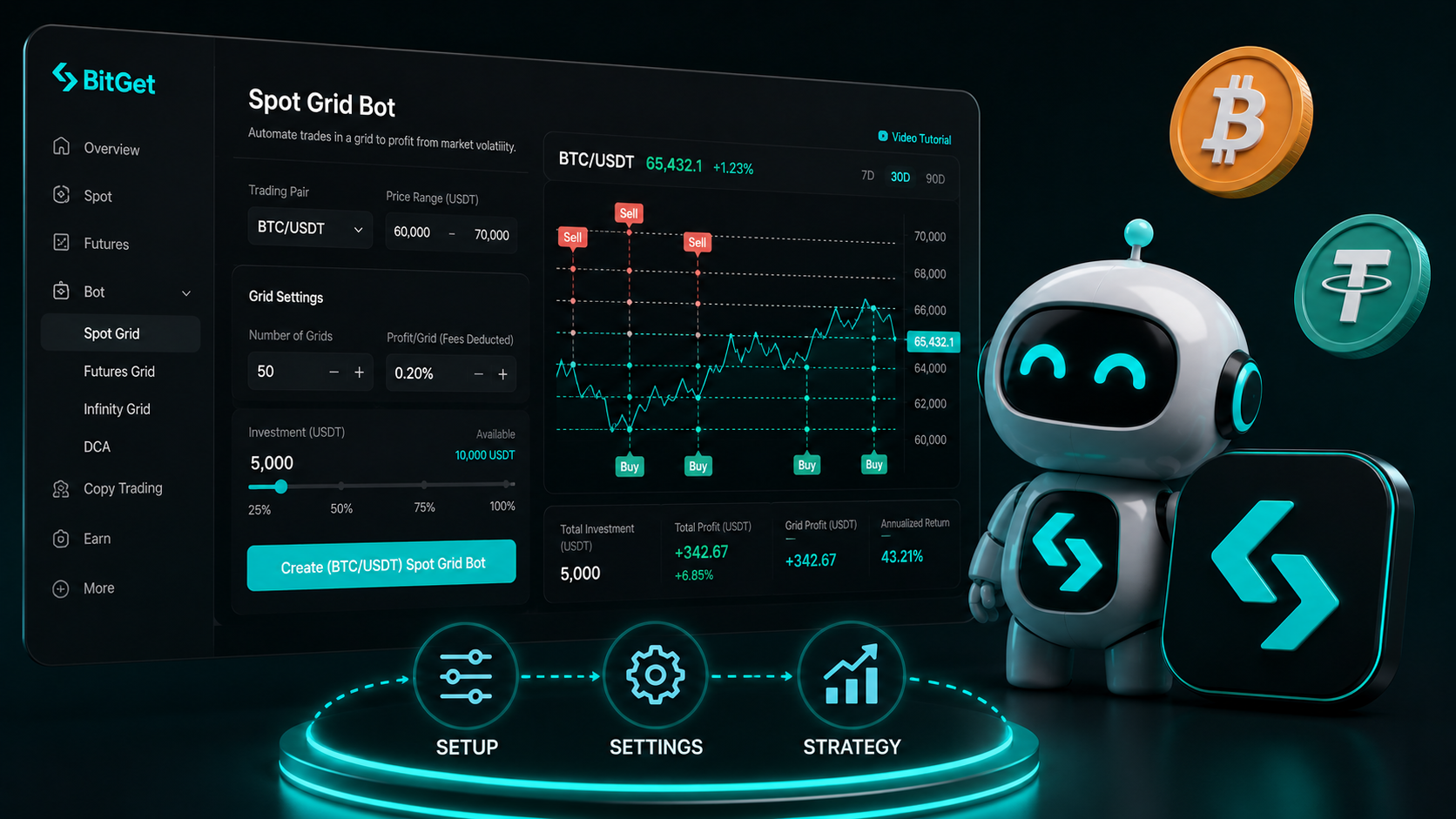
AI Spot Grid. Auto-configures a spot grid bot. You pick the pair, a capital amount, and a strategy preset (conservative/moderate/aggressive). The bot picks range, grid count, and rebalance triggers.
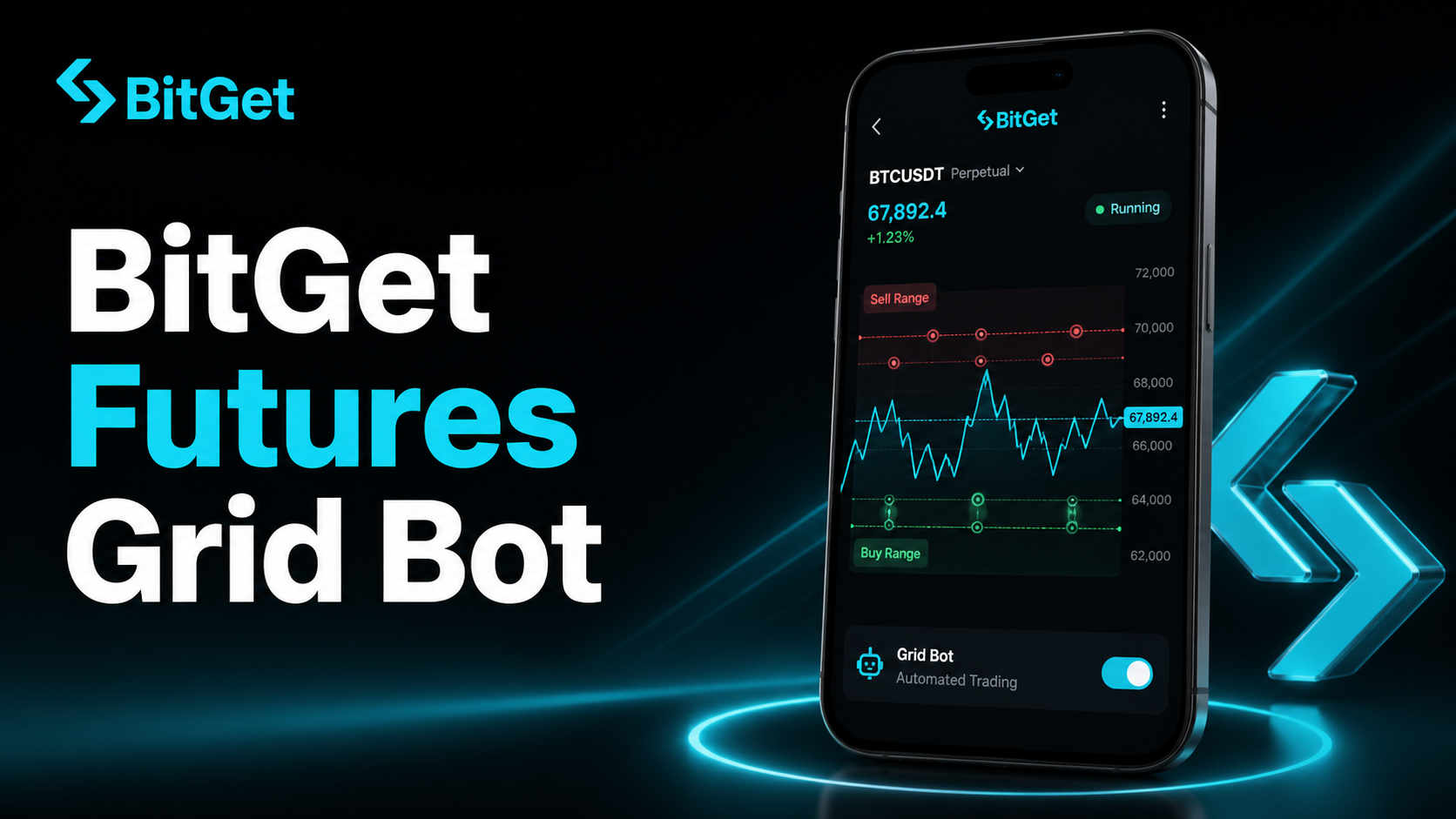
AI Futures Grid. Same idea but on perpetuals. Auto-leverage selection is the differentiator (and the risk). It picks leverage based on the volatility of the chosen pair.
AI Strategy. A blended product that toggles between grid + DCA + trend modes depending on recent price action. This is the most aggressive variant.
I tested the Spot Grid and the AI Strategy. I didn’t touch AI Futures Grid with auto-leverage — I prefer to make leverage decisions myself.
How the AI adjusts range and grid count
The mechanics matter, because they explain when the bot works and when it doesn’t.
Range selection. The AI reads the 30-day high and low of the chosen pair, then sets the bot range as (30-day low - 5%) to (30-day high + 5%). The buffer accounts for short-term breakouts.
Grid count. Based on volatility (measured as average daily true range), the AI sets grid count to maximise expected trades while avoiding excessive whipsaw. High volatility → wider spacing → fewer grids. Low volatility → tighter spacing → more grids.
Rebalance triggers. If the price moves outside the upper or lower range, the bot can either pause, close, or rebuild the range. The trigger depends on the strategy preset.
The model is essentially a rule-based system with statistical inputs. The “AI” label is generous but the auto-tuning is real and saves the time of configuring it manually.
For deeper detail on what the grid does once configured, see BitGet spot grid bot.
Real performance examples
I ran the AI Spot Grid on BTC/USDT for 90 days with $5,000 in capital. I also ran a manually configured spot grid on a separate sub-account with the same capital and pair for the same period. Here’s what happened.
Month 1 (BTC ranging $58k–$67k): AI grid returned 2.1%. Manual grid returned 1.6%. AI wins by 0.5%.
Month 2 (BTC trending up from $67k to $74k): AI grid returned -0.8% (sold too early into the rally). Manual grid returned 0.3% (I’d set a wider range). Manual wins.
Month 3 (BTC sharp drawdown $74k → $66k): AI grid returned 0.4%. Manual grid returned -1.1% (range broke). AI wins.
Total over 90 days: AI grid +1.7%. Manual grid +0.8%.
The AI did slightly better, mostly because it handled the volatility spike in month 3 by rebalancing while my manual grid sat through the range break. In month 2 it left money on the table by exiting a trending move too early.
These are not promises — they’re a sample size of one over three months on one pair. Your results depend on market regime, pair selection, and capital amount.
AI bot vs manual spot grid
The honest comparison.
| Factor | AI Spot Grid | Manual Spot Grid |
|---|---|---|
| Setup time | 30 seconds | 10–20 minutes |
| Range selection | Auto, conservative | Your call, can be aggressive or tight |
| Grid count | Auto, balanced | Your call, can be optimised for fees |
| Adaptation to vol | Yes, automatic | No, you’d have to manually adjust |
| Behaviour in trends | Often exits too early | Whatever you configured |
| Best for | Beginners, time-poor users | Anyone with a thesis on the pair |
If you have a specific thesis on the pair (e.g. you think BTC will range $60k–$80k for the next two months), manual gives you more control. If you don’t have a thesis and want a sensible default, the AI variant is a clean entry point.
AI bot vs DCA
A different comparison. DCA buys at fixed intervals regardless of market. The AI bot buys based on grid logic.
DCA wins in sustained uptrends (you keep accumulating during the rise, no missed buys). The AI bot wins in sideways markets (it sells highs and buys lows within range).
I use both. DCA on a small fraction of monthly income into BTC. AI Spot Grid on a separate pool of capital for actively trading the range. They don’t compete — they cover different market regimes.
Detail on the DCA side in DCA bots guide and the BitGet-specific BitGet DCA bot post.
The black-box problem
Here’s the part that bothers me about every AI bot, BitGet’s included.
You can see the configuration the AI picked. You can see the trades it places. What you can’t see is why it picked that range and grid count. The model parameters are not exposed. If the bot underperforms for a month, you can’t diagnose whether the issue is your pair selection, your timing, or a flaw in the optimisation logic. You’re trusting BitGet’s quants made good calls in their model.
For most users this is fine — you’re not going to outperform a tuned statistical model with your gut anyway. But if you’re someone who wants to understand every variable in your strategy, the AI bot will frustrate you. The manual spot grid is more transparent.
When AI bots fail
A few scenarios where the AI variant performs poorly:
Black swan events. Sudden 30%+ moves on news (regulation, hack, geopolitical). The AI’s volatility model is backward-looking and can’t anticipate one-day moves.
Regime changes. When a pair shifts from ranging to trending mode, the AI lags by a few days. By the time it recognises the trend, you’ve already lost money on the existing range bets.
Low-volume periods. Holiday weekends, low-volume periods. The AI’s signal quality drops because there are fewer data points to inform decisions.
Pair-specific dynamics. New listings, post-Launchpool dumps, or coins with unusual liquidity profiles confuse the AI’s range model.
The defence: don’t allocate more than 30% of your bot float to the AI variant. Run the rest on manual setups you understand, grid trading explained covers how.
How to test before committing real capital
If you want to try the AI bot without risking much, here’s the path I’d use:
- Paper trade for 4 weeks. BitGet offers a paper-trading environment. Run the AI bot on a virtual $10k and watch the results.
- Start with $200–$500 real money. Choose a major pair (BTC/USDT or ETH/USDT) — the AI’s data is best on high-liquidity pairs.
- Pick the “conservative” preset. Don’t go aggressive on your first run.
- Run for 30 days minimum. Short windows are too sample-size-limited to evaluate.
- Compare to BTC’s price move over the same window. If the AI returned 1% while BTC went up 8%, you’ve underperformed buy-and-hold.
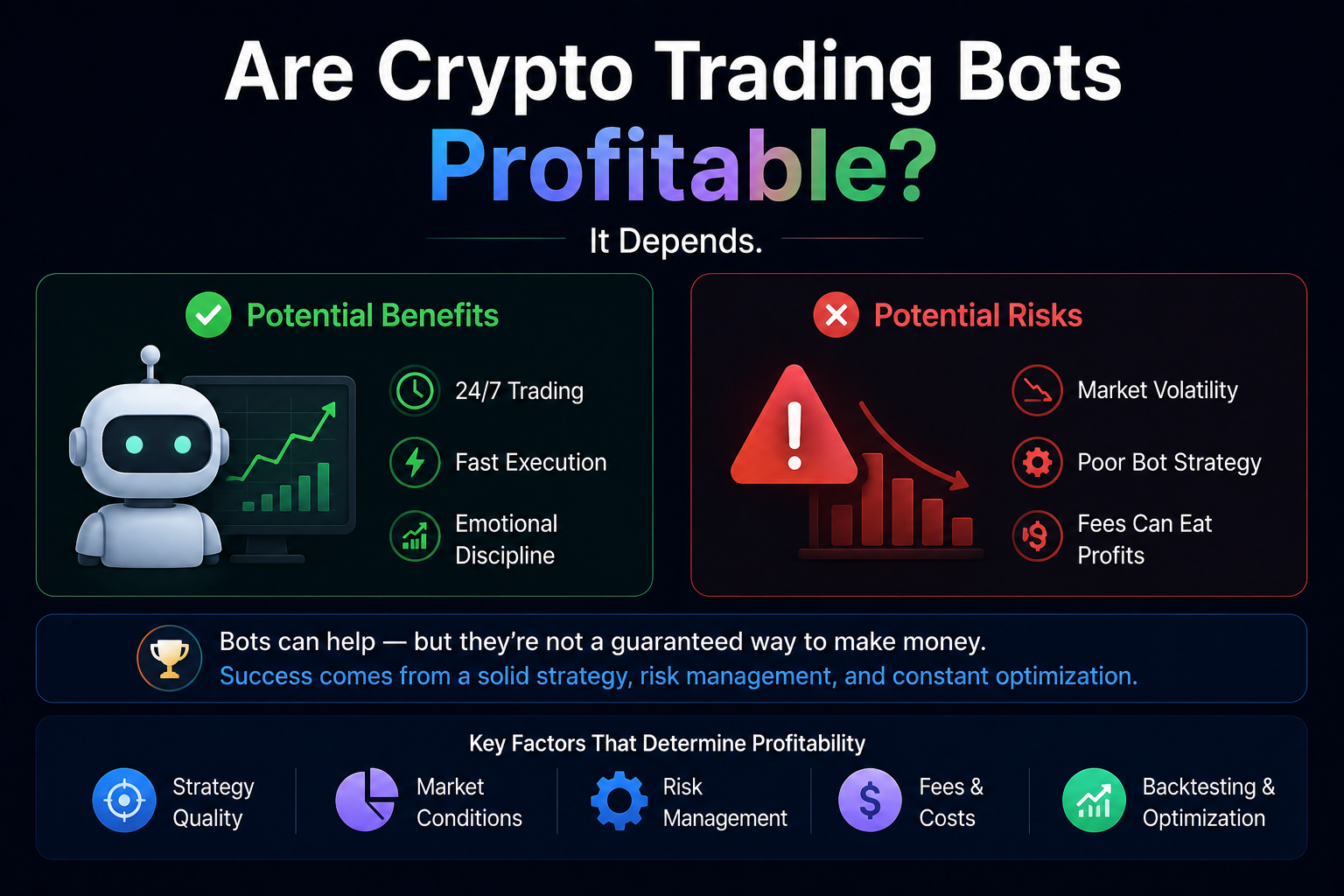
- Read are crypto bots profitable for the broader expectations framework.
Want to try a bot?
My BTC/USDT spot grid setup is more transparent than the AI variant — set the range once and let it work.
Affiliate link. Returns not guaranteed.
Verdict: useful supplement, not a replacement
The BitGet AI bot is a competent statistical auto-config layer. It saves setup time and handles volatility shifts better than a static manual grid. It is not a thinking system, it doesn’t read news, and it underperforms in strong trends.
Use it as:
– A starting point for new bot users who don’t yet have a thesis on the pair
– A diversifier alongside manual grids and DCA
– A way to test bot mechanics without committing to a manual configuration
Don’t use it as:
– Your only allocation to bot trading
– A “set it and never check it” investment
– A replacement for understanding what a grid does
For real strategy depth — picking pairs, sizing, managing risk across multiple bots — I’d point you at Trade Travel Chill (referral). It’s the community I’m part of and it covers strategy at a depth no single review post can.
Frequently asked questions
Is BitGet’s AI bot actually using AI?
It uses statistical optimisation and rule-based auto-configuration. It’s not a large language model and it doesn’t “reason” the way that label implies. It’s a smart auto-config helper.
How much money should I start with on the AI bot?
I’d start with $200–$500 on a major pair (BTC/USDT or ETH/USDT) and run it for 30 days minimum before scaling up.
Can the AI bot lose money?
Yes. Like any grid-based bot, it loses money when the market trends strongly outside the configured range. The AI variant is not immune.
What pairs work best for the AI bot?
High-liquidity major pairs (BTC/USDT, ETH/USDT, SOL/USDT). Low-cap alts have less data and the AI’s signal quality drops.
How does the AI bot compare to 3Commas or Pionex?
Detail in best crypto bot platform, but the short answer: BitGet AI is more accessible (native, no API key setup) but less configurable than 3Commas. Pionex offers more bot types but a less polished UI.
Should I use the AI futures grid?
Only if you fully understand leverage. The auto-leverage selection is the risk — the AI picks leverage based on recent volatility and that’s not always conservative enough. I prefer to set leverage manually.
Can I run multiple AI bots at once?
Yes. You can run multiple bots across different pairs simultaneously. Just make sure total capital deployed doesn’t exceed what you’d be comfortable having tied up in bots.
Bot you can actually configure
If the AI variant feels too black-box, my BTC/USDT spot grid setup shows every parameter — copy and adjust.
Affiliate link.
Related posts
- BitGet Spot Grid Bot: Setup, Settings, Strategy
- My BTC/USDT Spot Trading Bot on BitGet
- Best Crypto Trading Bot Platform